CoinTracking connects to 400+ exchanges and wallets and covers tax reports for 100+ countries, but the software only reports what you actually feed it. Four of the mistakes below can put the accuracy of a finished crypto tax report at risk; the fifth just leaves money on the table. We walk through each one, and the built-in reports that catch the data problems before you file.
The Five Mistakes at a Glance

CoinTracking does not guess. It shows you exactly what it was given, transaction by transaction. The logic is straightforward: incomplete or miscategorised input produces an incomplete output, and the software has no way to know that on its own.
The five mistakes below: an unchecked import, a miscategorised staking reward, a skipped discount, a late start, and error reports left unopened. None of these are software bugs, and most of them take only a few minutes to fix once you know where to look. A large or genuinely messy transaction history is the exception, where the fix takes longer or is worth handing to CoinTracking's own Full-Service team instead.
In practice, we use CoinTracking ourselves for our own crypto tax reporting, which is where this list comes from. If your portfolio spans traditional assets too, our Parqet review covers a comparable tracker for stocks, ETFs and real estate.
400+ exchanges and wallets, tax reports for 100+ countries, free portfolio tracking to start
Our Video Walkthrough
We recorded all five mistakes on screen, including where they show up inside a CoinTracking account.
Mistake 1: Importing Data Without Checking It
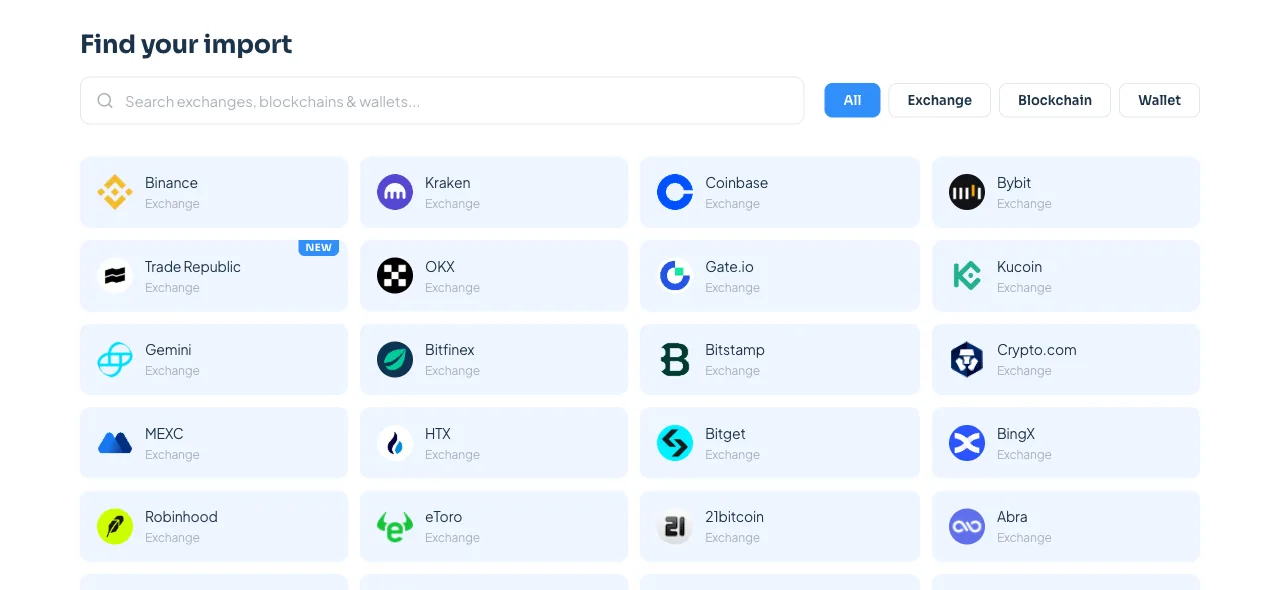
The mistake is not importing incorrectly. It is importing and assuming the result is correct without looking.
An exchange's API or CSV export can be incomplete. This can show up around DeFi swaps, internal transfers or older trades an exchange no longer surfaces cleanly. CoinTracking cannot detect data that never arrived; it can only show you the imported transaction list, exactly as received.
The fix is straightforward and starts with one comparison. After an import, open the balance CoinTracking calculated for that exchange. Match it against the balance shown on the exchange itself. A mismatch is a clear sign something is missing. Agreement holds up as a good first check, though it confirms the current balance, not necessarily every historical transaction, date or classification behind it. Either way, it is worth checking early, before the transaction count grows into the hundreds and a gap gets harder to trace.
API, CSV or manual entry, with your own balance check after every import
Mistake 2: Misclassifying Staking, Airdrops and Rewards
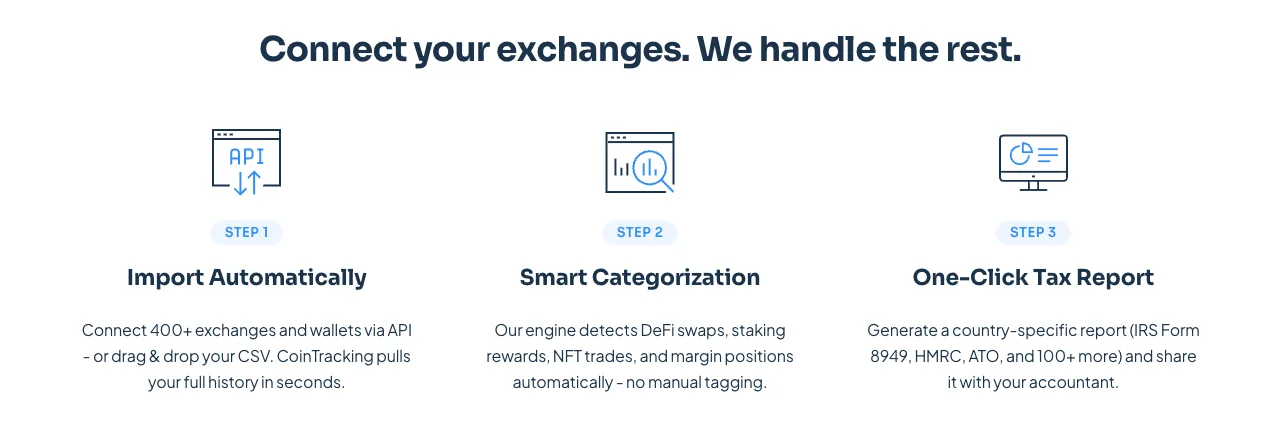
CoinTracking's smart categorisation detects a lot of activity automatically, including many DeFi swaps, staking rewards and similar transactions, sorting each into one of more than 40 transaction types. The mistake is trusting that automatic classification without checking it, especially on transaction types the platform flags as uncertain or leaves for manual review.
The one caveat is that tax treatment for staking, airdrops and mining differs by country, sometimes sharply. What counts as income on receipt in one jurisdiction may be taxed only on disposal in another. CoinTracking's transaction types give you the categories to sort activity correctly, whether assigned automatically or by hand. They do not tell you which category applies where you file. That part is worth a few minutes with your own country's guidance, or a tax advisor, before the report goes out.
Whatever actually happened on-chain should show up as the matching transaction type in CoinTracking. A staking reward left as a generic deposit, whether by an automatic miss or a manual entry, looks harmless in the moment. It turns into a surprise the day the tax report is generated.
Mistake 3: Leaving the Bitcoin Payment Discount on the Table
This one is easy to miss on the payment screen. CoinTracking accepts one-time Bitcoin payments through NOWPayments and Crypto.com, and doing so comes with a 5% discount on the licence, according to CoinTracking's own pricing FAQ.
It is a minor drawback next to import accuracy. If you already hold Bitcoin and were planning to pay by card anyway, switching the payment method at checkout is worth doing. Any tax consequences of spending that Bitcoin are a separate question for your own situation, not something this discount changes.
Separately, our own referral link currently carries up to 15% off. Whether the two combine depends on the checkout, so check the final price rather than assuming. Our CoinTracking discount code guide walks through exactly how to activate it and what it does and does not cover.
Applies through our referral link, separate from the Bitcoin payment discount above
Mistake 4: Starting Too Close to the Deadline
A single coin bought once, moved to a hardware wallet and later sold already produces four transactions: the buy, the withdrawal, the matching deposit and the sale. Multiply that across a full year of trading on more than one exchange, and the count adds up quickly.
Starting early is not about discipline for its own sake. It is about catching a broken import while there is still time to fix it, whether that means contacting an exchange's support or digging up an old CSV export. The alternative is discovering the gap the week a filing is due. On top of that, CoinTracking's plans cover every past and future tax year in one subscription. Setting up a paid plan early does not mean paying twice for the same tax year later.
One subscription covers every year of trading, so there is no reason to wait until the deadline
Mistake 5: Skipping the Built-in Error Reports
CoinTracking ships with reports built specifically to catch the kind of import gap described in mistake one. In our own experience, they are easy to forget until something already looks wrong. They are less suited to mistake two: catching a wrong tax-category assignment usually still takes a human read of the transaction list, not just these three checks.
A missing-transactions check flags the gaps a broken or partial import leaves behind: a withdrawal on record with no matching deposit anywhere, or the other way round. A duplicate check catches transactions that came in twice, usually from overlapping API and CSV imports for the same exchange. A validation pass reviews the full transaction list for entries that do not add up. Running through all three before generating a tax report is worth the time it takes. That can be a few minutes, or considerably longer on a large or messy history. Skipping them does not break anything by itself. Any gap or duplicate they would have caught can still show up as an error once the report itself is generated.
One More Thing Worth Checking: Account Security
None of the five mistakes above are security issues, but a clean tax report is worth little if the account behind it gets compromised first. CoinTracking's own support pages carry an active warning about phishing emails impersonating the platform, aimed at getting a victim to enter exchange login details on a fake page.
CoinTracking states plainly that it never holds user funds and connects to exchanges through read-only API keys. That is a meaningful distinction from a wallet or an exchange, where a compromised account can move money directly. Two-factor authentication is available on the account itself and is worth enabling. A reused password from an unrelated breach is a well-known way any account, not just this one, ends up taken over. CoinTracking's security page names cointracking.info as its own communication domain, while its support page names freshdesk.cointracking.com specifically for support replies. Worth checking either against the sender before clicking a link in any unexpected email.
Comparing Starter, Pro and Expert
These are the three plans most people setting up CoinTracking actually choose between. A fourth paid tier, Unlimited at €769 a year, exists above Expert for unlimited transactions; the Free plan sits below Starter but does not generate tax reports at all. Every paid plan covers every past and future tax year in one subscription, so nobody re-buys access for last year's trades. Prices below are the current annual list prices in euros.
Starter (€39/yr) | Pro (€129/yr) | Expert (from €219/yr) | |
|---|---|---|---|
| Transactions | 200 | 3,500 | 20,000+, scales up |
| Tax reports | Included | Included | Included |
| Auto-sync (API) | No | Yes | Yes |
| Source of funds report | No | Yes | Yes |
| AI Tax Saver | No | No | Yes, Germany only |
| Priority support | No | No | Yes |
Tip: scroll horizontally to see all columns
Is CoinTracking Worth Setting Up Properly?
For anyone trading on more than one exchange, yes. CoinTracking's own numbers back that up: 400+ exchanges and wallets, full DeFi and NFT support, and tax reports for 100+ countries. Cost-basis methods, including FIFO, LIFO and HIFO, number 11 to 14 depending on which of CoinTracking's own pages you check. None of that helps if the data going in is incomplete or miscategorised, which is the entire point of this article.
Beyond that, a quick note on the name. CoinTracking (cointracking.info, founded 2012 in Germany) is a separate company from CoinTracker (cointracker.io, founded 2017 in the US). CoinTracking says so directly on its own security page. The names are easy to confuse in a web search, and only one of them is what this article covers.
We are not licensed tax advisors, and this is not tax advice. CoinTracking's own AI Tax Saver feature carries the same disclaimer for the same reason: it surfaces legal optimisations from your data. It is not a substitute for a professional who knows your specific situation. In practice, get the import right and get the categorisation right. A proper tax advisor then has a clean starting point to work from, instead of a data set that needs rebuilding first.
Portfolio tracking at no cost, 7-day trial with unlimited imports, no credit card required
Frequently asked questions

Legal information
The content on this site has been researched carefully. Our sources are the providers' publicly available information and their terms and conditions. Despite regular checks we cannot warrant that the data is current, accurate or complete. Binding information on products and prices is only available on each provider's own website. Unless stated otherwise, the conditions shown apply to new customers.
Not financial advice
Our content is informational and comparative only. It is not financial, tax or legal advice, and it is neither a recommendation to buy nor an invitation to take out a financial product. Make your decisions based on your own situation and risk tolerance, and consult an independent adviser if you need one.
Risk warning
Every investment carries risk. Values can rise or fall, and past performance does not indicate future returns. You can lose part or all of the capital you invest. Crypto-assets are largely unregulated, are not covered by deposit guarantee or investor compensation schemes, and carry a high risk of total loss.
Advertising and affiliate links
Some links on this site are marked with an asterisk (*) and are affiliate links (advertising). If you take out a product through one of these links, we receive a commission from the provider at no additional cost to you. That is how you support our work.